

Picture this: it’s 2:02 p.m., you’re live, your mom is in the chat, your candle is smoking, and you’re trying to explain the biggest money opportunity of the decade while your internet is doing that “buffering roulette” thing.
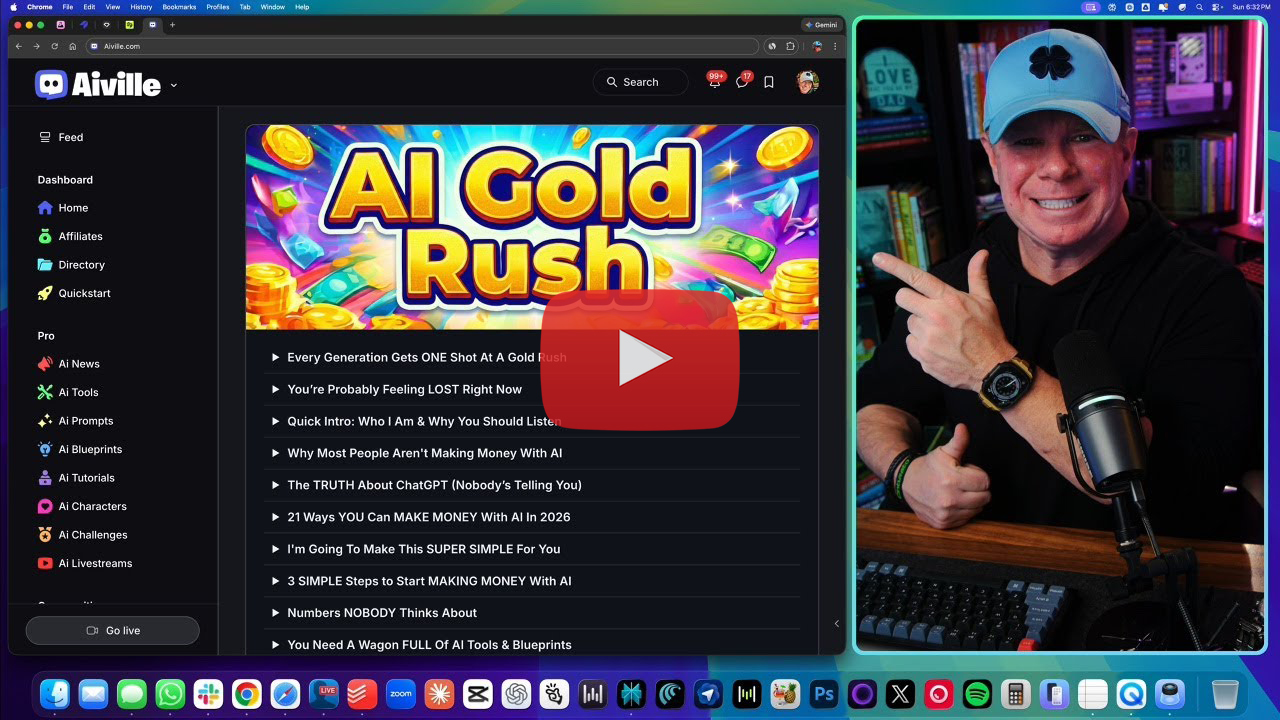
That’s basically the vibe of Chris Luck’s AI Gold Rush workshop—and it’s exactly the right vibe for 2026.
Because AI right now is like a brand-new amusement park where:
- Most people haven’t bought a ticket
- Some people are wandering around holding a map upside down
- And a small group is already running the concession stands (and cashing in)
This article is built to be very practical and a little ridiculous (in a good way). We’re going to do “show-and-tell” school style: not just talk about what works—we’ll demonstrate how each money method works, what you sell, what you deliver, and how to get your first version done fast.
We’ll cover all 21 income plays Chris walked through, in the same spirit:
- Tool
- What you sell
- What to literally do first
- A mini-demo prompt you can copy
- What to deliver to the buyer
- How to make it feel real for normal humans (not AI nerds)
The AI Gold Rush in One Sentence
AI adoption is exploding, most people still don’t know how to use it, and that gap creates a short-term window where you can earn money by doing simple, repeatable services faster than the market can catch up.
Chris’s big point: this “easy” window doesn’t stay easy forever.
Before We Sprint: The Rule That Prevents Overwhelm
Chris pulled out The One Thing for a reason.
Your job is not to do 21 things.
Your job is to:
- read 21 options
- pick one
- do it until you’re “the person” for that thing
Or combine two into a “Blue Ocean”
Example combos (simple, profitable pairings):
- AI product photos + AI website build (sell as a “launch kit”)
- AI video + voiceover (sell as “ads ready to publish”)
- AI characters + memes (sell as a “brand mascot pack”)
The 21 AI Income Plays (With Show-and-Tell Demos)

1) AI Writing for Money (Articles, Blogs, Sales Pages)
Best tool Chris used: Claude (Opus)
What you sell
- Blog posts, landing pages, emails, product descriptions, scripts
The show-and-tell demo
Open Claude → New chat → paste something like:
Prompt
You are a world-class, award-winning writer in the [INDUSTRY].
Write a 1,500-word article titled “[TITLE]” for a beginner audience.
Requirements: short paragraphs, punchy subheadings, examples, light humor, and a clear step-by-step section.
What you deliver
- A Google Doc / Word doc formatted cleanly
- Optional: 3 headline options + meta description
Make it relatable
Most clients don’t want “AI writing.” They want:
- “I need weekly blog posts.”
- “I need my website to stop sounding like a robot.”
You’re selling results, not the tool.
2) AI Music (Suno Jingles, Custom Songs)
Best tool Chris used: Suno
What you sell
- 30–60 second jingles
- birthday songs, anniversary songs
- brand theme songs
- podcast intro music
The show-and-tell demo
In Suno, click Create, then paste:
Prompt
Write a 30-second upbeat [GENRE] jingle about [TOPIC].
Mood: catchy, fun, easy chorus, simple lyrics, memorable hook.
Include one line that mentions [NAME/BRAND].
Want to demonstrate it like Chris did? Make one about the buyer’s business, then say:
“Cool—now I’ll generate 3 variations so you can pick your favorite hook.”
What you deliver
- Audio file(s) + lyrics text
- 2–4 variations (buyers love choices)
Relatable angle
This is perfect for people who “need music” but don’t want to deal with musicians, licensing stress, or software.
3) AI Art (Midjourney: Pet Portraits, Posters, Covers)
Best tool Chris used: Midjourney
What you sell
- Pet portraits
- wall art prints
- book covers
- character art
The show-and-tell demo (Chris’s method)
Instead of staring at a blank canvas:
- Search “watercolor pet portrait”
- Click an image you like
- Copy the prompt
- Swap the subject
Prompt tweak example
watercolor pet portrait of a joyful mini bulldog, soft paper texture, delicate brush strokes, warm lighting, high detail
What you deliver
- High-res image file(s)
- 2–4 options
- One “print-ready” version (if requested)
Relatable angle
People pay for art because it’s emotional:
“My dog.” “My kid.” “My grandma.”
You’re selling a feeling, not pixels.
4) AI Product Photography (Nano Banana / Gemini)
Best tool Chris used: Nano Banana 2 inside Gemini
What you sell
- clean product placements
- “product in hand” lifestyle shots
- Amazon-style hero images (no text)
The show-and-tell demo
Upload product photo into Gemini, then paste:
Prompt
Create a hyperrealistic product photo using the uploaded item.
Scene: held by a person in a cozy modern living room, natural smile.
Style: soft bokeh background, cinematic lighting, 8K, highly detailed.
Then generate 3 settings:
- cozy home
- clean studio
- outdoor lifestyle
What you deliver
- 3–10 images in different scenes
- consistent lighting style
- no brand mistakes, no readable text, no weird fingers (always check!)
Relatable angle
Most sellers have “meh” product images. Better photos = higher conversion. That’s easy to understand.
5) AI Website Building (Durable)
Best tool Chris used: Durable
What you sell
- one-page sites for local businesses
- quick “start here” sites
- landing pages for offers
The show-and-tell demo (the magic part)
Durable asks a few questions. Chris’s trick:
“Give it less info.”
Example inputs:
- Business: “Personal training for men over 40”
- Revenue: “Just starting”
- Location: US
- Name: let it suggest one
Then show how edits work:
- click text → tell it what to change
- click colors → one click brand refresh
What you deliver
- live site link
- basic edits
- mobile check
- simple contact form
Relatable angle
Business owners don’t want a “website.” They want:
“I need something that looks legit so people stop thinking I’m a hobby.”
6) AI Voiceovers (ElevenLabs)
Best tool Chris used: 11 Labs
What you sell
- voiceovers for ads
- YouTube narration
- audiobook chapters
- TikTok voice reads
The show-and-tell demo
Pick a voice → paste text → Generate.
Mini script
“If you’re watching this, you’re early. AI is changing everything. Here’s what to do next…”
Then generate 2 voices so the client can pick.
What you deliver
- MP3/WAV
- 2–3 takes with different tone
- clean pacing, no weird pronunciation (fix names!)
7) AI Influencers (Gemini / Nano Banana)
Best tool Chris used: Nano Banana 2 prompt style
What you sell
- realistic influencer “model”
- consistent character set (same person across scenes)
The show-and-tell demo prompt
Hyperrealistic shot of a [PERSON DESCRIPTION] wearing [OUTFIT] in [LOCATION] looking at camera.
Hyperrealistic skin texture with visible pores, soft bokeh background, cinematic lighting, 8K, highly detailed.
Then show 3 versions:
- coffee shop
- gym
- outdoor street
What you deliver
- 10–20 images pack
- consistent look notes (“same hair, same face, same vibe”)
Important note
Avoid impersonating real people. You’re creating original influencer identities.
8) AI Characters (Midjourney: Pixar-style, cartoons)
Best tool Chris used: Midjourney search + prompt copy
What you sell
- mascot character
- children’s book character concepts
- “brand character sheet” pack
The show-and-tell demo
Search “cartoon character” → pick style → copy prompt → swap subject.
Then use variations:
- subtle variation
- strong variation
What you deliver
- 6–12 character options
- 3 expressions (happy, serious, surprised)
9) Prompt Engineering as a Service (ChatGPT)
Tool Chris used: ChatGPT prompt-refinement prompt
What you sell
- “make my prompt better” service
- prompt packs for Suno, Midjourney, video tools
The show-and-tell demo
Paste your “bad” prompt, then run:
Prompt
You are the highest-paid prompt engineer at OpenAI.
Transform this basic prompt into a world-class prompt with maximum clarity and output quality:
[PASTE PROMPT]
What you deliver
- improved prompt
- 3 variations (short / medium / detailed)
- quick usage notes (“replace X with your niche”)
10) Brainstorming & Brand Names (Grok)
Best tool Chris used: Grok (edgier brainstorming)
What you sell
- business name ideas
- product name ideas
- tagline sets
The show-and-tell demo
Prompt
You are a world-class brand naming strategist.
Give me 100 brand names + a short tagline for each.
Product: [WHAT IT IS].
Style: punchy, viral, short, easy to spell.
Then do what Chris did: talk to it.
“Those are boring. Make them wilder.”
What you deliver
- shortlist of 20 best
- domain-friendly suggestions
- 5 brand style directions
11) AI Video Generation (Higgsfield using Google V3.1 / Kling 3.0)
Best tool Chris used: Higgsfield.ai as a hub
What you sell
- promo ads
- product clips
- cinematic brand videos
The show-and-tell demo
- Start with a still image (like the “Harvard hoodie in Starbucks” example)
- Drop it in
- Write a simple motion/script prompt
- Click Enhance (this is key)
Then generate one in each model:
- Google V3.1 = more “phone recorded”
- Kling = more cinematic camera movement
What you deliver
- 2 versions (cinematic + casual)
- 720p/1080p options
12) AI Avatars (HeyGen)
Best tool Chris used: HeyGen public avatars
What you sell
- spokesperson videos
- training clips
- “welcome” videos for businesses
The show-and-tell demo
Pick avatar → paste script → Generate.
Offer “looks”:
Same avatar in different settings = client thinks you hired a whole studio.
What you deliver
- 1–3 videos
- 30–60 seconds each
- optional subtitles (if requested)
13) AI UGC Videos (Sora)
Best tool Chris used: Sora
What you sell
- TikTok-style UGC product clips
- “casual testimonials” (fictional, labeled appropriately)
- brand vibe videos
The show-and-tell demo (Chris’s simple prompting)
He barely described the environment. That’s the lesson.
Prompt example
Two people sitting on a couch having a deep conversation about how they’re not real because AI created them. Natural phone video vibe, imperfect lighting, casual.
Sora fills in the rest.
What you deliver
- 3 variations of the same concept (different actors, angles)
- “raw” phone vibe (that’s the selling point)
14) Memes (Viggle)
Best tool Chris used: Viggle.ai templates
What you sell
- meme packs for brands
- “your boss as a dancing meme” (corporate teams love this)
- holiday meme bundles
The show-and-tell demo
Pick template → upload photo → Mix.
Free accounts queue; paid is faster.
What you deliver
- 5–15 short meme clips
- organized by theme
15) Vectorizing Logos (Vectorizer.ai)
Best tool Chris used: Vectorizer.ai
What you sell
- convert logo to SVG/EPS/PDF
- “print-ready logo” package
The show-and-tell demo
Upload → it converts instantly → download requested format.
What you deliver
- SVG + PNG + PDF (common)
- transparent background versions
16) Presentations (Gamma)
Best tool Chris used: Gamma.app
What you sell
- pitch decks
- webinar slides
- training decks
The show-and-tell demo
Create new → Generate → describe style.
Prompt
Create a 10-slide deck about [TOPIC].
Style: high-end, dark colors, RGB accent lighting.
Include lots of visuals and simple bullets.
Gamma outputs the deck + imagery quickly.
What you deliver
- deck link + exported PPT/PDF
- 1 revision round
17) Photo Restoration (Gemini)
Best tool Chris used: Gemini (image restoration prompt)
What you sell
- old family photo restoration
- scratch removal
- clarity + repair
The show-and-tell demo
Upload photo → paste a simple restoration prompt:
- restore without “modernizing”
- preserve era grain/feel
What you deliver
- restored image
- “lightly restored” and “fully restored” versions
18) Research (Perplexity)
Best tool Chris used: Perplexity
What you sell
- competitive research summaries
- product research
- “what to do next” brief
The show-and-tell demo
Prompt
You are a world-class research analyst.
Conduct a 360-degree analysis of [TOPIC]. Include history, players, risks, and outlook.
Summarize in 500 insightful words.
Perplexity pulls sources and summarizes.
What you deliver
- 500–1,500 word report
- bullet recommendations
- cited sources (clients love credibility)
19) Video Editing (Descript)
Best tool Chris used: Descript
What you sell
- YouTube edits
- filler word removal
- captioning
- pacing cleanup
The show-and-tell demo
Upload video → use the assistant (“underlord”) → ask:
- remove filler words
- tighten pauses
- fix audio
What you deliver
- edited video export
- captions file
- thumbnail timestamp suggestions (optional)
20) Social Media Design (Canva)
Best tool Chris used: Canva AI
What you sell
- post designs
- carousel packs
- simple ad creatives
The show-and-tell demo
Upload photo → ask Canva AI:
Design a Facebook post for [BUSINESS] promoting [OFFER]. Style: clean, modern, friendly.
Then tweak template if needed.
What you deliver
- 5–15 posts
- sized for platform
- brand color consistency
21) Affiliate Marketing (The “No Tool” Tool)
Tool Chris used: “Google + affiliate program”
What you sell
Technically: nothing.
You earn by referring.
The show-and-tell demo
Pick a tool you like → search “[tool] affiliate program” → sign up → share your link via:
- a blog post
- a YouTube description
- a short tutorial video
- a resource page
What you deliver
Content that helps people decide.
How to Choose Your “One Thing” (In 3 Minutes)

Here’s a simple filter:
Pick the one that matches your personality
- Hate writing? Don’t force writing. Do video or images.
- Love organizing info? Do research or presentations.
- Like fun? Do Suno songs or memes.
Pick the one that has repeat buyers
Best repeat categories:
- product photos
- short video ads
- social post packs
- voiceovers
- websites (small businesses always need updates)
Pick the one you can demo in under 10 minutes
If you can’t show it quickly, you’ll procrastinate.
Fast wins beat perfect plans.
Final Thoughts

If you’re feeling that “my brain is melting” sensation… good. That means you just saw something real.
Chris’s underlying message wasn’t “go try 21 hustles.” It was:
Most people will watch this, feel excited, and then do nothing.
The people who win pick one lane and actually ship.
And here’s the honest urgency:
- The window closes as the market catches up.
When everybody can do it, it stops paying well. Early adopters get paid for what later becomes “normal.” - Tool overload is real (and expensive).
Chris gave that hard-number example: people stack subscriptions and don’t even use them. The cost isn’t just money—it’s confusion. - The real advantage isn’t the tool. It’s the blueprint.
Most people can click buttons. Few people can turn that into a repeatable offer clients will buy.
So if you want the clearest next step—especially if you want to re-watch the full workshop, follow along with the demos, and share it as part of your affiliate strategy—use the same link you provided:
Leave a Reply