
If you have ever looked at a competitor’s product photos and thought, “How are they doing that? Do they have a studio in their basement and a photographer living under the stairs?”, you are going to like Google Pomelli Photoshoot.
Because Pomelli Photoshoot is basically the shortcut. You start with a simple product image, sometimes not even a great one, and it can turn it into studio style shots, lifestyle scenes, and polished marketing assets that make your product look like it belongs in a premium brand catalog.
The fun part is not the tech. The fun part is what you can do with it.
This is a practical, slightly sarcastic, very usable guide to turning Pomelli Photoshoot into an income stream. We will keep it realistic, because “make money with AI” can quickly turn into “make a logo that looks like a melted sandwich.” You will learn what to sell, who to sell it to, what to charge, how to deliver fast, and how to keep your sanity when someone asks for “just one more tiny tweak.”
What Pomelli Photoshoot Actually Does
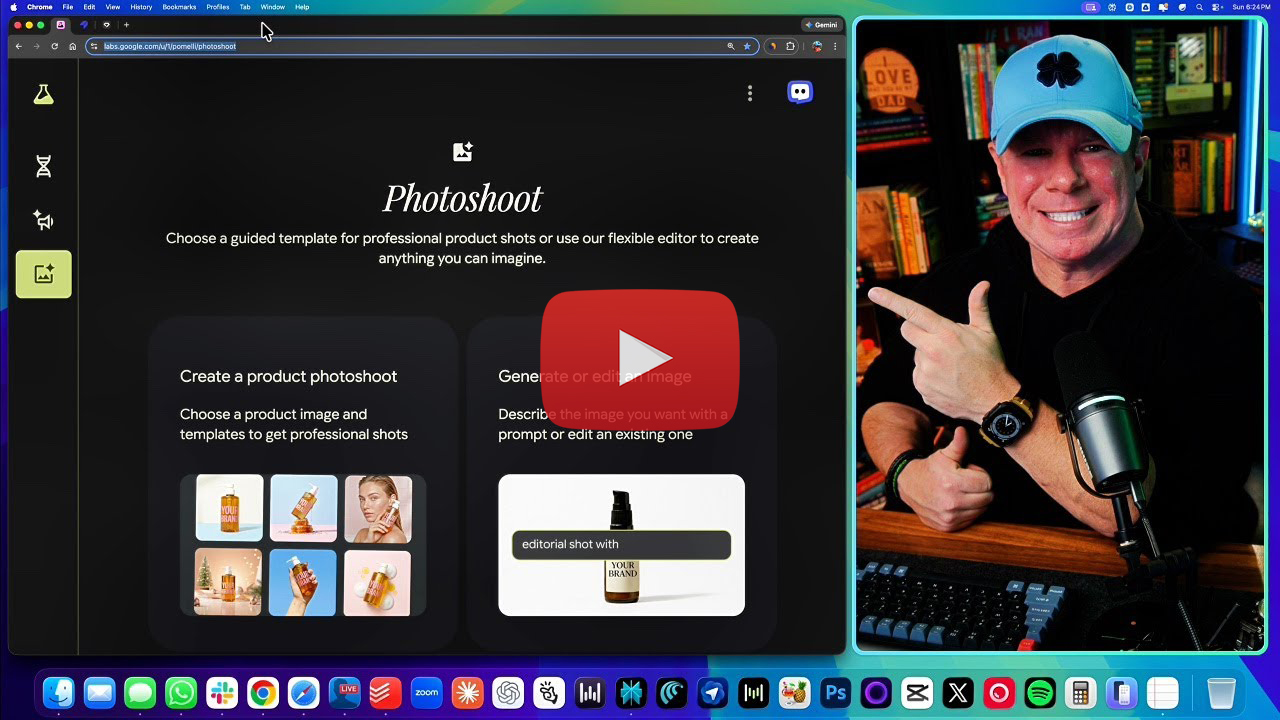
Think of Pomelli Photoshoot like a virtual photo studio that does not complain, does not require a latte, and does not book itself solid during the holidays.
At its core, it helps you create professional looking product imagery from a single image, often using templates that cover the most common styles ecommerce and local businesses need.
Here are the main outcomes it can produce, in normal human language:
Studio shots
Clean backgrounds. Great lighting. The product looks like it is being sold by a brand that has their life together.
Lifestyle shots
Your product appears in a real world scene, like it is being used by an actual person who is not stressed, not blurry, and not holding the item upside down.
In use shots
The product is being held or used in a way that tells the viewer what to do with it in one second.
Floating and dramatic shots
A little more stylized. Great for ads, hero images, and social posts.
Ingredient or component scenes
If it is a consumable or something with recognizable parts, Pomelli can surround it with contextual elements that make it feel premium and intentional.
In other words, it does the job of a mini creative team. Not perfectly every time, but shockingly well for how fast it is.
And that speed is the whole business opportunity.
Why This Can Make You Money (Even If You Hate Design)

Most small businesses are not failing because their product is bad.
They are failing because their visuals look like the product was photographed during a mild earthquake.
Online buyers make decisions fast. If the images look cheap, they assume the product is cheap. If the images look confusing, they assume the product is confusing. If the images look like they were taken on a kitchen counter next to a suspicious sponge, they click away.
Better images increase trust. Trust increases conversions. Conversions pay bills.
That is why businesses already spend money on product photography, designers, and agencies.
Pomelli Photoshoot changes the economics. You can now produce “good enough to sell” visuals quickly, consistently, and at a fraction of the time and cost.
So you are not selling “AI.”
You are selling:
- better first impressions
- clearer listings
- more clicks
- more sales
- less embarrassment
When you frame it like that, clients do not care what tool you used. They care that their product finally looks like it deserves to exist on the internet.
Set Up Pomelli the Smart Way
When people struggle with tools like this, it is usually not because they cannot click buttons.
It is because they do not set up a workflow.
Here is a simple setup that keeps you fast and professional.
Step 1: Start with a simple brand baseline
Even if you are not doing full “brand DNA” extraction for every client, you should still define the basics:
- the brand vibe (clean, playful, luxury, gritty, minimalist)
- the main colors (just 2 to 4)
- what the product should feel like (fresh, bold, calming, premium)
You can do this in a one page intake form. Clients love forms. They make you look like you are running a real business, instead of freelancing from a chair that squeaks.
Step 2: Decide what you are delivering
A client will always ask for “images.” That is vague. Vague requests create chaos.
Instead, pick packages:
- 6 studio images
- 4 lifestyle images
- 3 in use images
- 5 social crops sized for platforms
- 1 hero image for a website
When you define deliverables, you control scope.
Step 3: Use a repeatable checklist
The checklist prevents the classic problem where you deliver 12 great images, and the client replies, “Can you also do 40 more in different seasons and make it look like we shot it in Paris?”
Your checklist:
- number of images
- styles included
- number of revision rounds
- what counts as a revision
- delivery format
- timeline
If you do nothing else, do this. It is the difference between “paid project” and “unpaid emotional damage.”
Photoshoot Walkthrough: From Snapshot to Studio
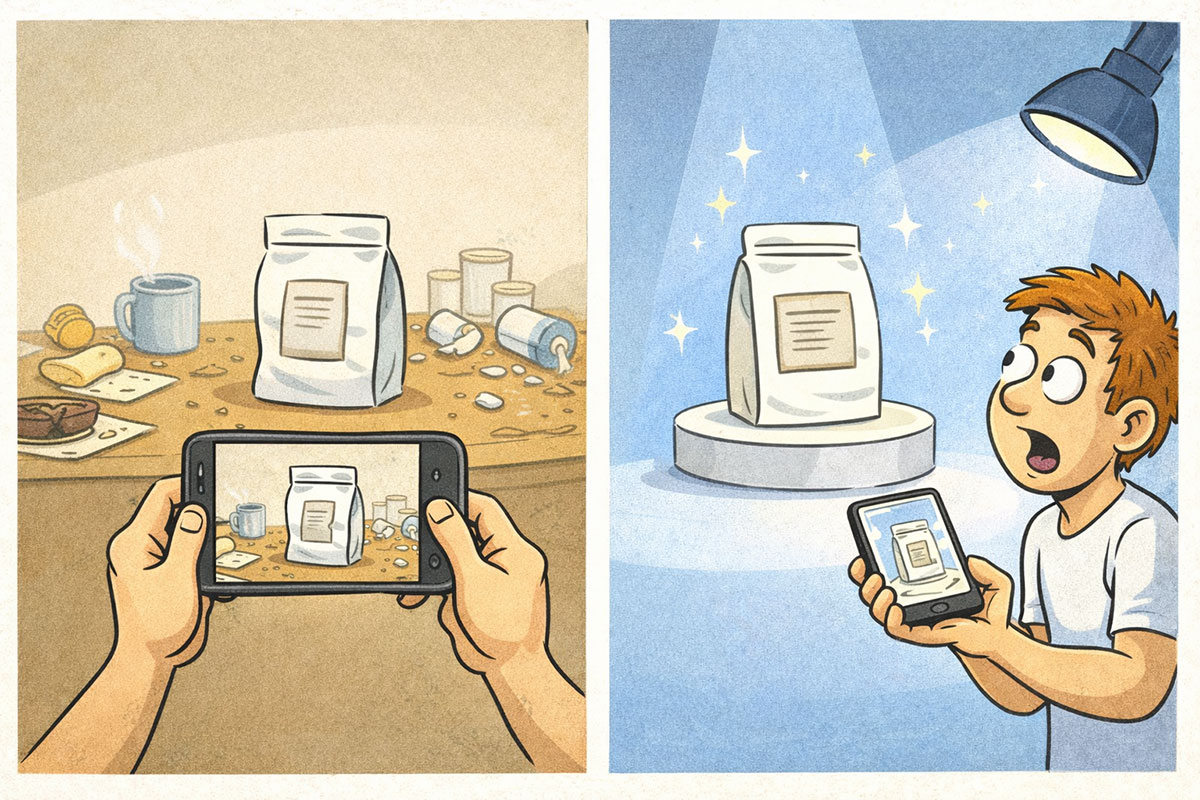
Let’s make this real. Here is the practical workflow you can use on nearly any product.
1) Get the source image right
You do not need a perfect photo, but you do need:
- decent lighting
- clear product edges
- the product not cropped weirdly
- no motion blur
If the client sends a bad photo, do not panic. Ask for a quick retake:
- near a window
- neutral background
- straight on angle
- 2 to 3 options
This takes five minutes. It can save you an hour of fighting weird outputs later.
2) Choose the template style strategically
A beginner mistake is clicking random templates because they look fun.
Choose templates based on where the image will be used:
- ecommerce listing: studio, clean background, multiple angles
- social media: lifestyle, in use, dramatic
- ads: lifestyle, floating, strong contrast
3) Generate in batches, then curate
Do not generate one image, stare at it, and overthink your life.
Generate a batch. Pick winners. Regenerate only what is missing.
Your job is not to create “one perfect image.” Your job is to deliver a set that works.
4) Fix the most common issues fast
The three common issues:
- labels or text get distorted
- small details look weird when zoomed
- hands or props look slightly alien
Your solutions:
- choose angles where labels are less critical
- use images that do not require tiny text legibility
- regenerate in use shots if the human elements look off
You are building a portfolio of usable outputs, not auditioning for a luxury magazine cover.
What Can Go Wrong (And How to Avoid Refund Requests)
Pomelli is powerful, but it is not a magical realism machine that always gets everything right.
Here is what you need to watch for, so you can deliver professionally without promising perfection.
Product text and logos can get mangled
If the product has lots of text, the AI may warp it.
Workarounds:
- choose compositions where the label is less prominent
- use clean studio shots for label accurate images
- deliver “hero images” where the label is not the focal point
If the client needs perfect label accuracy, you can:
- deliver non closeup lifestyle images as the main set
- suggest they keep one real photo for the label closeup
This is a simple way to keep results usable while staying honest.
Fine details can break when zoomed
Jewelry clasps, stitching, small textures.
Workarounds:
- do not sell “macro precision” unless you can deliver it
- sell “marketing images” designed for screens, not microscope viewing
Latency and high demand
Sometimes the tool is slow.
Workarounds:
- set expectations in your timeline
- work in batches
- download as you go
When you deliver fast work, clients assume you did not work. This is one of the funniest freelancer paradoxes. You can fix it by presenting your process as a system, not magic.
The Fastest Ways to Make Money With Pomelli
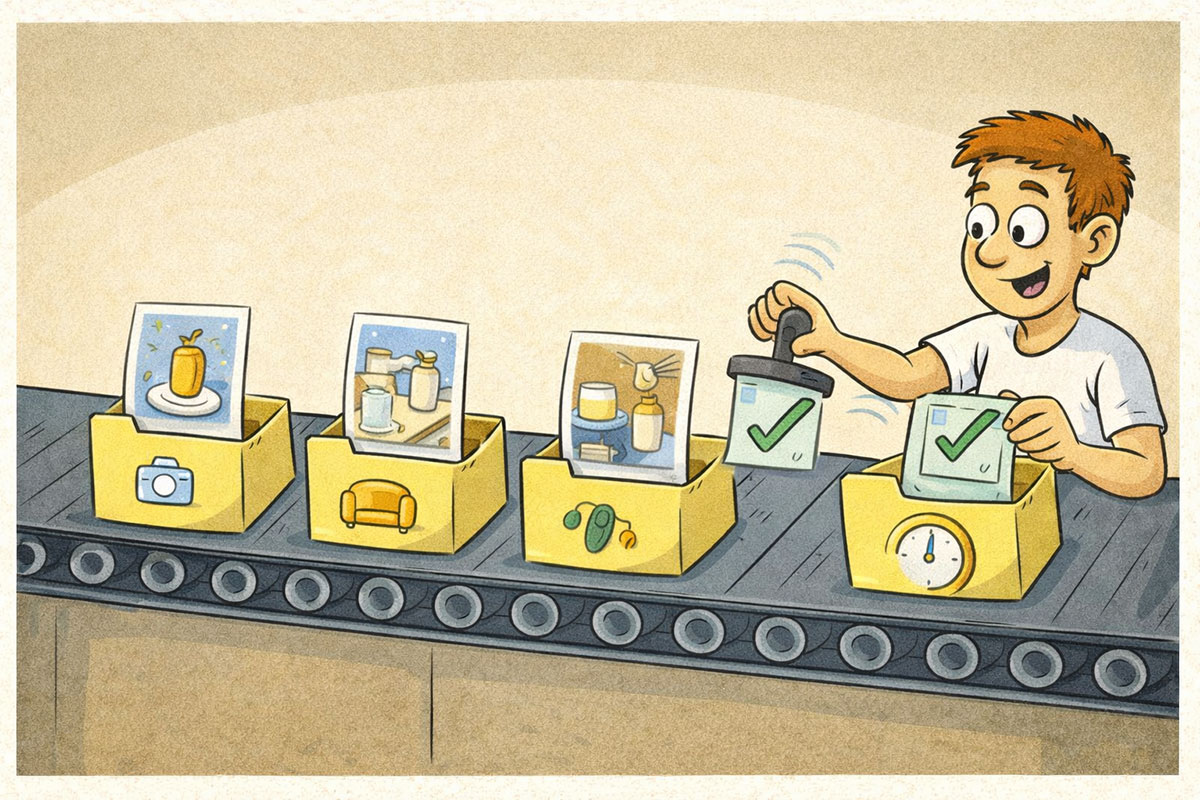
Now we get to the part where this turns into cash.
Below are practical offers you can sell without needing a massive audience, a fancy website, or a personality transplant.
1) Etsy product photo upgrade packs
Etsy sellers live and die by images.
Offer:
- 10 listing images per product
- 3 lifestyle scenes
- 3 studio shots
- 4 social crops
Why it sells:
They compete in a sea of handmade items. Good images make them look premium.
2) Amazon listing image refresh
Amazon is brutal. The images matter a lot.
Offer:
- clean white background set
- 3 angle variations
- 2 lifestyle usage images
Why it sells:
It improves conversion without changing the product.
3) Shopify “launch kit”
Shopify stores need a consistent set fast.
Offer:
- hero image
- 6 product images
- 5 social graphics
Why it sells:
Shop owners are always behind and always stressed.
4) Local restaurant menu photos
Restaurants need photos for menus, delivery apps, and social.
Offer:
- menu set of 12 items
- 3 promo images for socials
Why it sells:
Restaurants hate doing marketing. They will pay to not think.
5) Monthly content subscriptions
This is where real income stability happens.
Offer:
- 20 images per month
- seasonal themes
- simple social crops included
Why it sells:
Businesses need content constantly. Monthly keeps you paid.
6) “Ad ready” image bundles
Offer:
- 6 ad images
- 3 variations of each with different vibes
- plus 1 hero banner
Why it sells:
The business can plug it into ads immediately.
7) Fiverr and Upwork services
If you want clients now, platforms help.
The key is not competing on price. Compete on clarity:
- show before and after samples
- offer fast delivery
- set boundaries on revisions
People will pay more for “I understand what you need and I will deliver it clean.”
Pricing That Works (And Protects You From “One More Tiny Change”)
ricing is where most people sabotage themselves.
They either charge too little and drown, or charge too much with no proof and get ignored.
Here is a simple pricing ladder that is easy to sell and easy to deliver.
Package A: Starter
- 5 images
- 1 template style
- 1 refinement round
$79 to $149
Package B: Pro
- 12 images
- 3 template styles
- 2 refinement rounds
$199 to $399
Package C: Monthly Kit
- 16 to 24 assets per month
- seasonal add-on included
$300 to $900 monthly
The boundary sentence that saves your life
Include this line in every offer:
“Two revision rounds included. Additional revisions available at $X each.”
That one sentence is the difference between “side hustle” and “unpaid internship.”
If your brain keeps looping on, “Okay, this is cool, but what exactly should I offer and how do I package it,” that’s what AIville is built for. Chris Luck’s system focuses on turning tools into repeatable income plays, with examples you can model fast instead of inventing from scratch.
The Ethical Line: Don’t Copy a Brand, Copy a Strategy
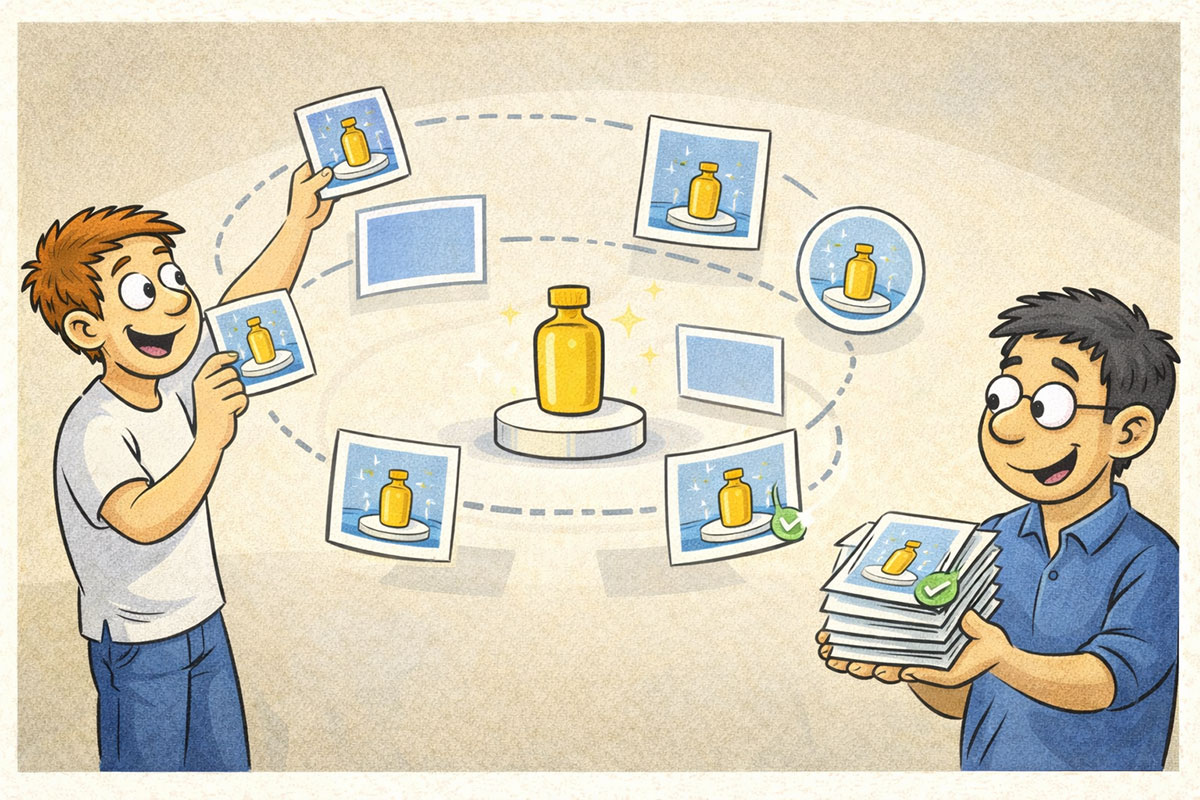
Your source transcript mentions the idea of scanning competitors and “stealing a brand.” That is a spicy attention hook, but the smart move is simpler and safer:
What you can ethically borrow
- layout patterns
- content formats
- what types of photos convert (studio vs lifestyle vs in-use)
- how they organize product pages
- how often they run promotions
What you should not borrow
- logos
- signature illustrations
- exact brand identity elements
- unique characters or mascots
- product claims
A good rule:
If the goal is “customers mistake you for them,” do not do it.
If the goal is “you learned what works and built your own version,” that is normal business.
Turning Photos Into Campaign Assets (Without Becoming a Full-Time Marketer)
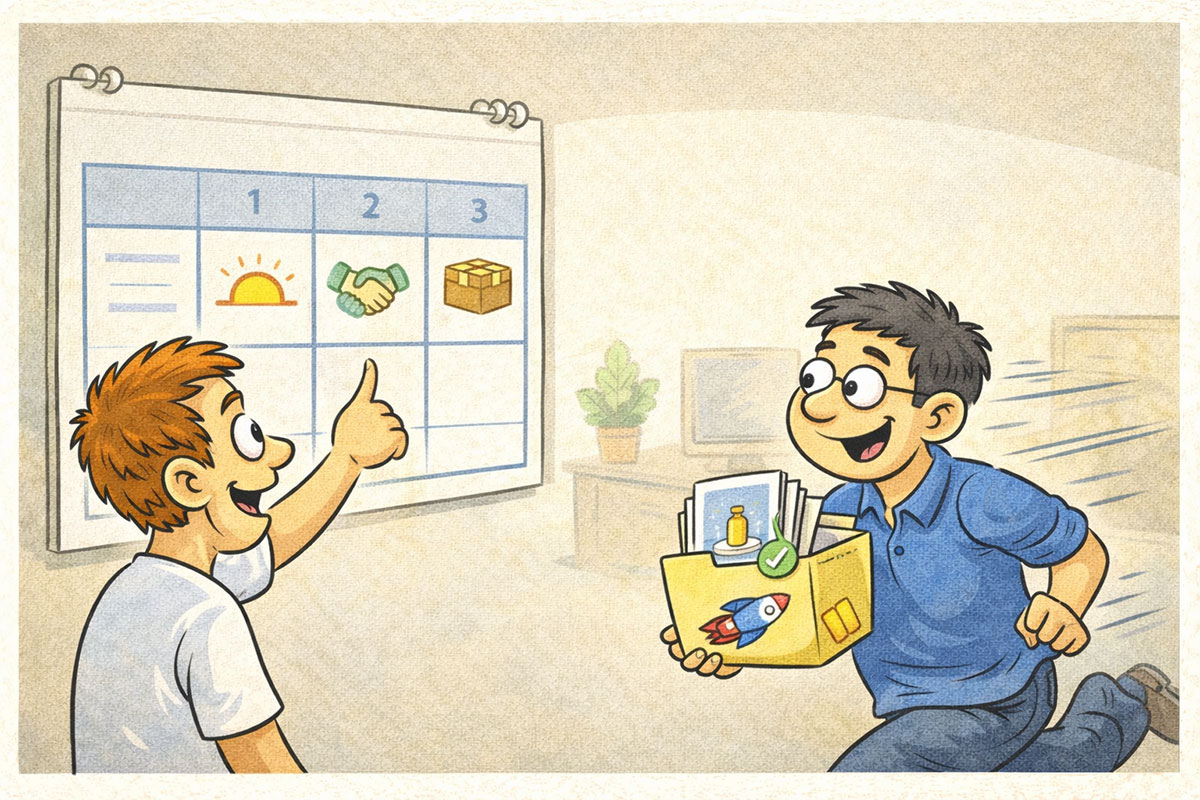
Once you have good product images, you can turn them into marketing assets quickly.
This is where you upsell without sounding salesy.
Deliver multiple sizes
Most clients do not know sizes. They just post random crops and hope.
Offer simple formats:
- square for posts
- vertical for stories
- banner for website
Even if you are not using any text overlays, you can deliver clean crops.
Create seasonal mini sets
Clients love seasonal themes because it makes them feel like they are “doing marketing.”
Offer:
- spring vibe set
- holiday vibe set
- sale vibe set
It is the same product. Different background context. Very sellable.
Build a small content calendar
You do not need to become their social manager.
Just give them a simple plan:
- 2 posts per week
- 1 promotional post per week
- rotate studio and lifestyle
They will think you are a genius. You are not. You are just organized.
How to Get Clients This Week
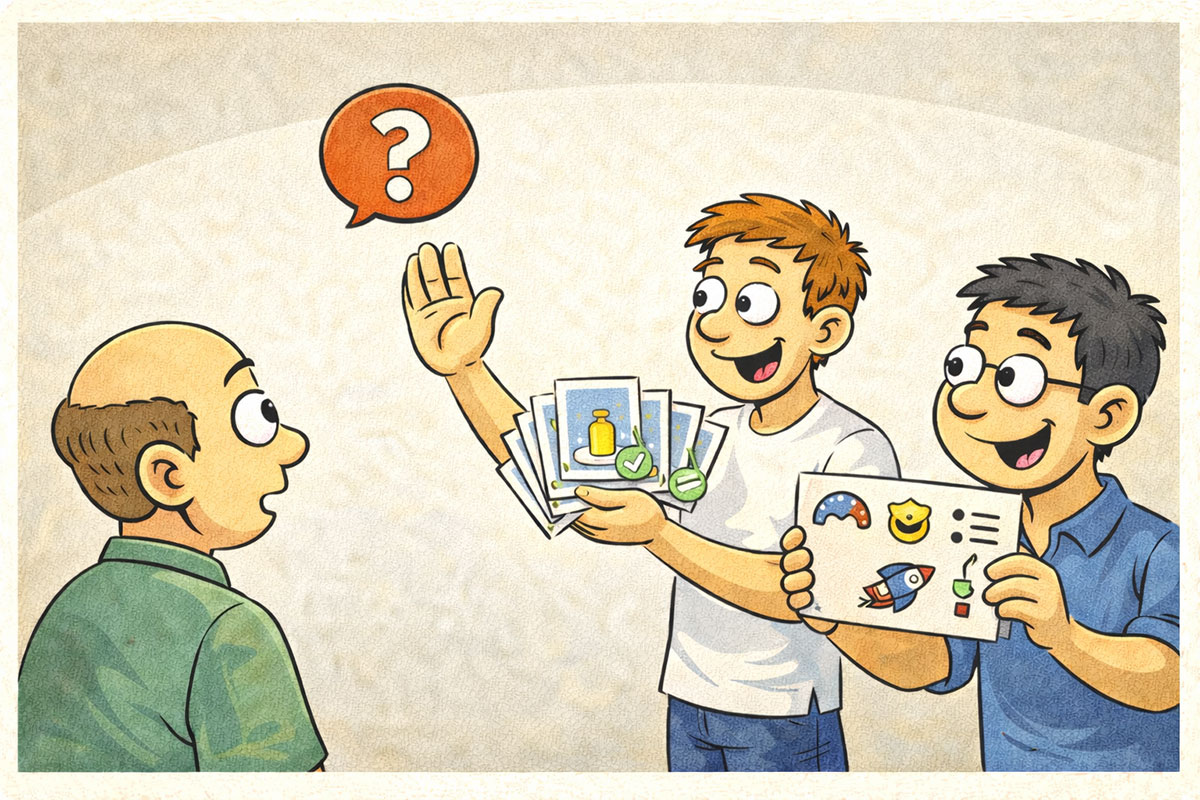
You do not need a big audience to get your first clients.
You need proof, clarity, and a small outreach plan.
Step 1: Create 3 sample transformations
Pick common products:
- coffee bag
- skincare bottle
- candle
Generate:
- one studio shot
- one lifestyle shot
- one in use shot
These are your portfolio.
Step 2: Contact businesses with bad photos
This is not mean. This is market research.
Look for:
- Etsy listings with low quality images
- Shopify stores with inconsistent visuals
- local restaurants with no good menu photos
Step 3: Send a simple message
Keep it short and useful:
“Hey, I noticed your product photos could look more premium. I can create a studio and lifestyle set fast. Want me to show a quick example for one product?”
That is it.
You are offering value, not begging.
Step 4: Offer a low friction first job
A small starter package is your entry.
Once they trust you, you can propose monthly content.
Quick Start Plan: First Paid Gig in 48 Hours
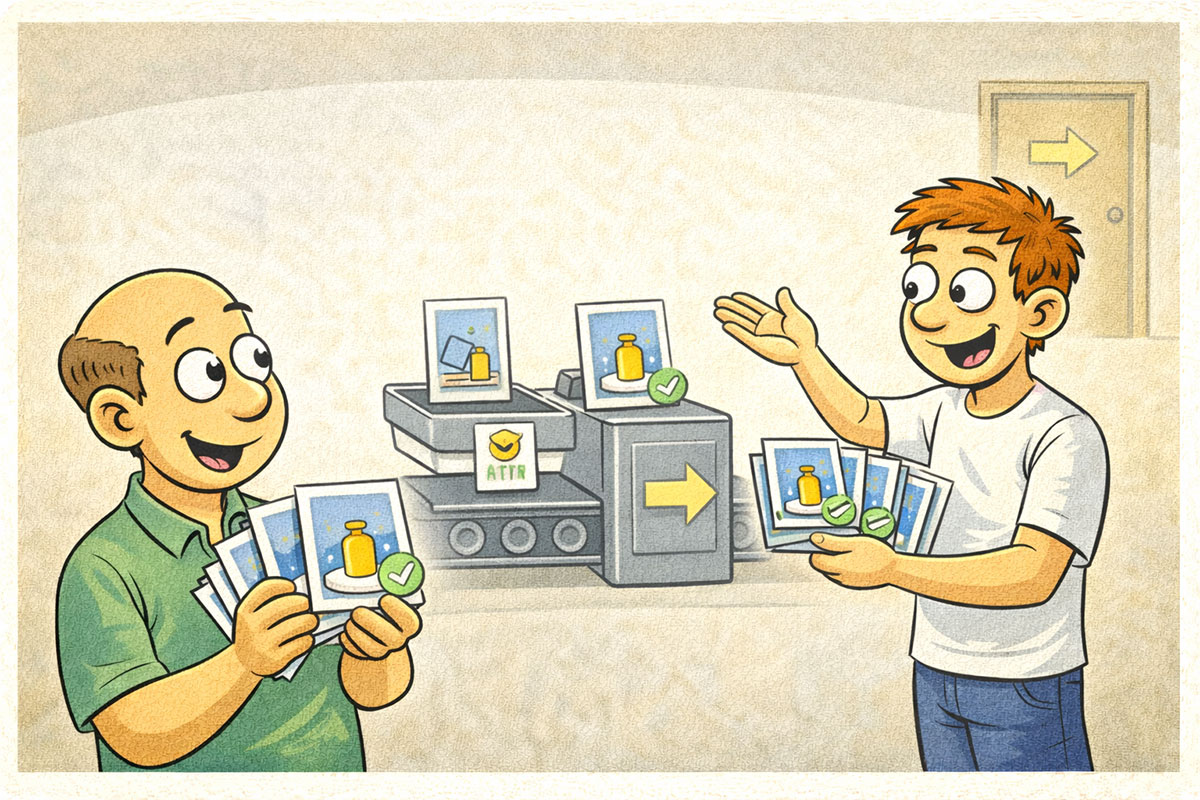
Day 1: Build a micro-portfolio
- pick one product (yours or a mock)
- generate 10 strong images
- keep only the best 5
- export and organize
Day 2: Outreach
- message 20 local businesses or sellers
- offer one sample
- send a simple price menu
Day 3: Deliver fast and upsell
- deliver the first pack
- ask for a testimonial
- offer a monthly kit
This is not complicated. It is just uncomfortable for about 20 minutes. Then it becomes normal.
FAQ
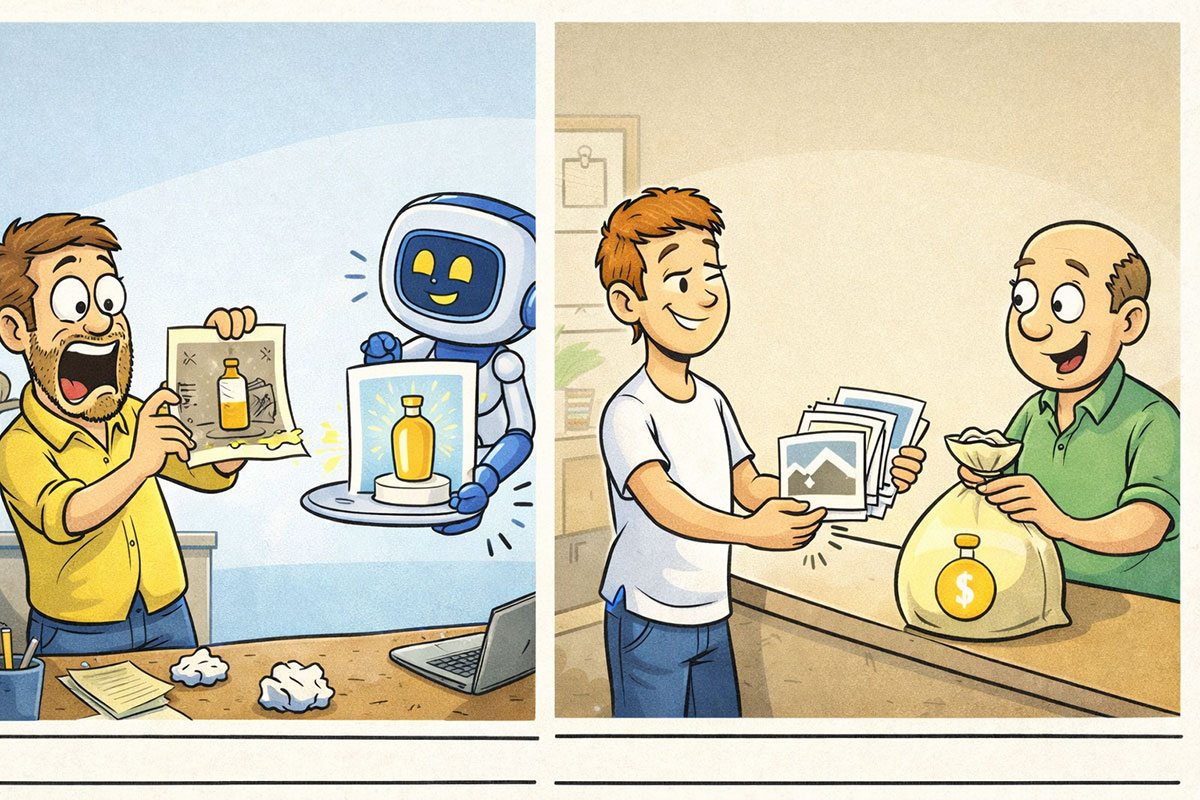
Do I need to be a designer?
No. You need to be consistent.
Your job is selection, curation, and delivery.
What if the AI makes weird errors?
Regenerate. Choose different template styles. Avoid tiny text dependence.
Also, do a quick quality check before sending.
Can I use this for every industry?
Many, yes. Some regulated and high end brands may need stricter control.
You can still sell to them, just position your work as “concept and marketing imagery” not “pixel perfect label accuracy.”
How do I keep clients from asking for endless work?
Packages, revision limits, and clear deliverables.
When you create boundaries, people respect you more, not less.
Final Thoughts
Pomelli Photoshoot is not “a fun AI toy.” It is a speed advantage.
And in business, speed is money.
If you can take a product that looks average online and make it look premium in a day, you can sell that skill. Not as “AI prompts,” but as a service that makes the client’s business look better and sell more.
The opportunity is simple:
- create consistent deliverables
- price in packages
- deliver fast
- keep boundaries
- repeat
Most people will not do this. They will generate images, get distracted, and never ship anything.
If you ship, you win.
If you want the fastest path to getting good at tools like Pomelli without wasting hours, AIville is Chris Luck’s largest AI community and system. It’s where the full tutorials, prompts, walkthrough notes, and repeatable money plays get organized so you can actually use them, not just watch them.
If your goal is to turn “cool tool” into “paid skill,” AIville is the shortcut worth checking out.
Leave a Reply